View RSS Feeds with IE (Internet Explorer)
Q
How to View RSS Feeds with IE (Internet Explorer)?
✍: FYIcenter.com
A
 If you want to view RSS Feeds with IE (Internet Explorer),
you can follow this tutorial:
If you want to view RSS Feeds with IE (Internet Explorer),
you can follow this tutorial:
1. Launch IE (Internet Explorer) 11.
2. Enter the following in the URL input box:
http://dev.fyicenter.com/rss_xml.php
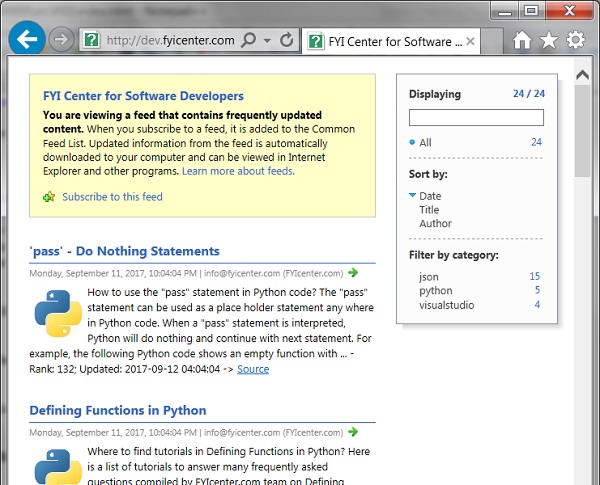
3. Press "Enter" key. You see the RSS feed items displayed in a nice format.
The picture below shows you how to view RSS feeds with IE (Internet Explorer):
⇒ Subscribe to RSS Feeds with IE
2017-10-16, ∼3476🔥, 0💬
