Download Business Network from Playground
How to download Business Network from Hyperledger Composer Playground?
✍: FYIcenter.com
 You can follow this tutorial to download a Business Network from
Hyperledger Composer Playground
and save it to your local computer.
You can follow this tutorial to download a Business Network from
Hyperledger Composer Playground
and save it to your local computer.
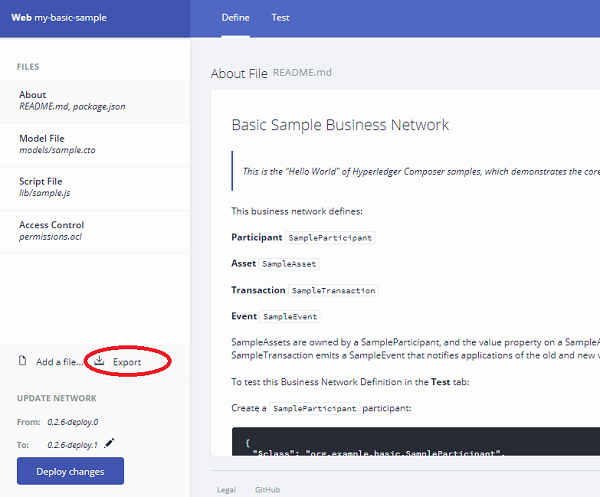
1. Open Hyperledger Composer Playground and go to Basic Sample Business Network home page, as shown in the previous tutorial.
2. Click "Define" tab. You see the development home page.
3. Click "Export" link on the left. You see the save file screen displayed.
4. Save the Basic Sample Business Network as a BNA (Business Network Archive) file: C:\fyicenter\my-basic-sample.bna.
Â
⇒ Install Demo Business Networks in Playground
⇠Modify Business Network in Playground
2020-12-15, ∼1802🔥, 0💬
Related Topics:
